

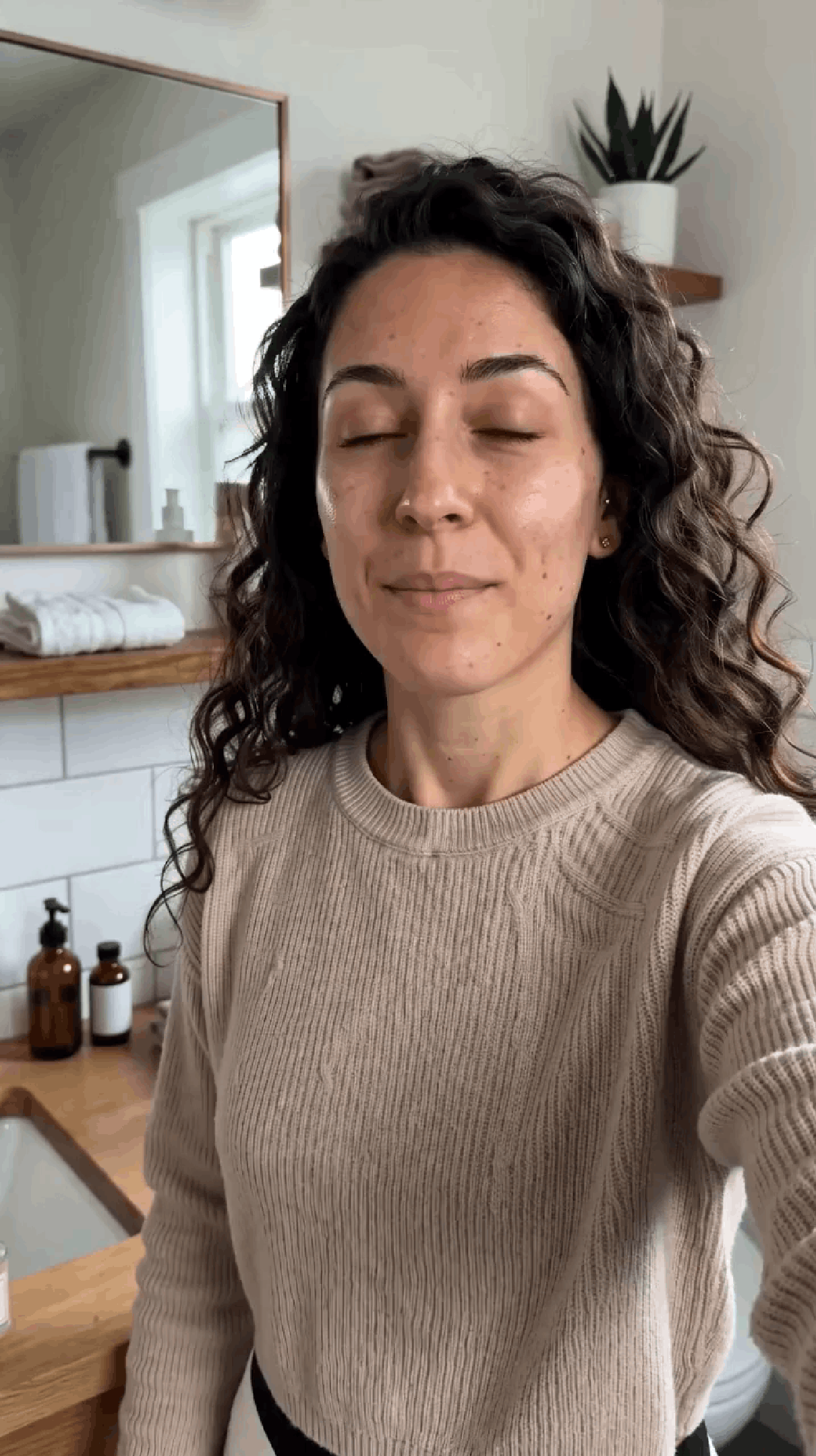
Built after wasting money on failed AI videos
From the founder
Why this tool exists
I started using AI UGC to market my own app because it seemed like the fastest way to test short-form ads without filming or hiring creators.
The problem was the prompt. A ChatGPT-made prompt could look good on paper, then fail the moment the video came out: the background looked fake, the creator moved unnaturally, product details changed, brand names were misspelled, and the whole clip felt like a polished AI ad instead of real UGC.
Each failed render was only around $4, but when you are testing hooks, avatars, and formats, those mistakes stack up quickly.
UGCWiz is the preflight step I wanted before rendering: it catches the prompt issues that make AI videos look fake, then turns your prompt into a render-ready version before you waste money on credits.
The math is brutal
$4,320
burned in a year
Just 1 failed render per video adds up fast. Posting 3 videos a day can become 90 failed generations a month at around $4 each. A $0.50 preflight can catch a bad prompt before it becomes a $4 failed render, which means up to 88% of your money saved before you hit render.
wasted per failed generation
to check before generating
of wasted money
saved
How it works
Four steps from a risky prompt to a better AI UGC generation.
- 01
Make your first prompt
Use ChatGPT, Claude, Gemini, or your own template to describe the video. Include the setting, creator, product or app, actions, dialogue, and what should happen in the clip.
- 02
Paste it into UGCWiz
Drop in the prompt you are about to use, choose the right video settings, and add any product, app, or avatar references.
- 03
Run preflight
UGCWiz checks for the issues that usually waste credits, like fake looking scenes, weak pacing, unclear product handling, misspelled brand names, and unnatural creator movement.
- 04
Generate with the UGCWiz refined prompt
Paste the generation-ready version into your AI video tool with clearer timing, realistic backgrounds, better product or app direction, and fewer mistakes that ruin AI UGC videos.
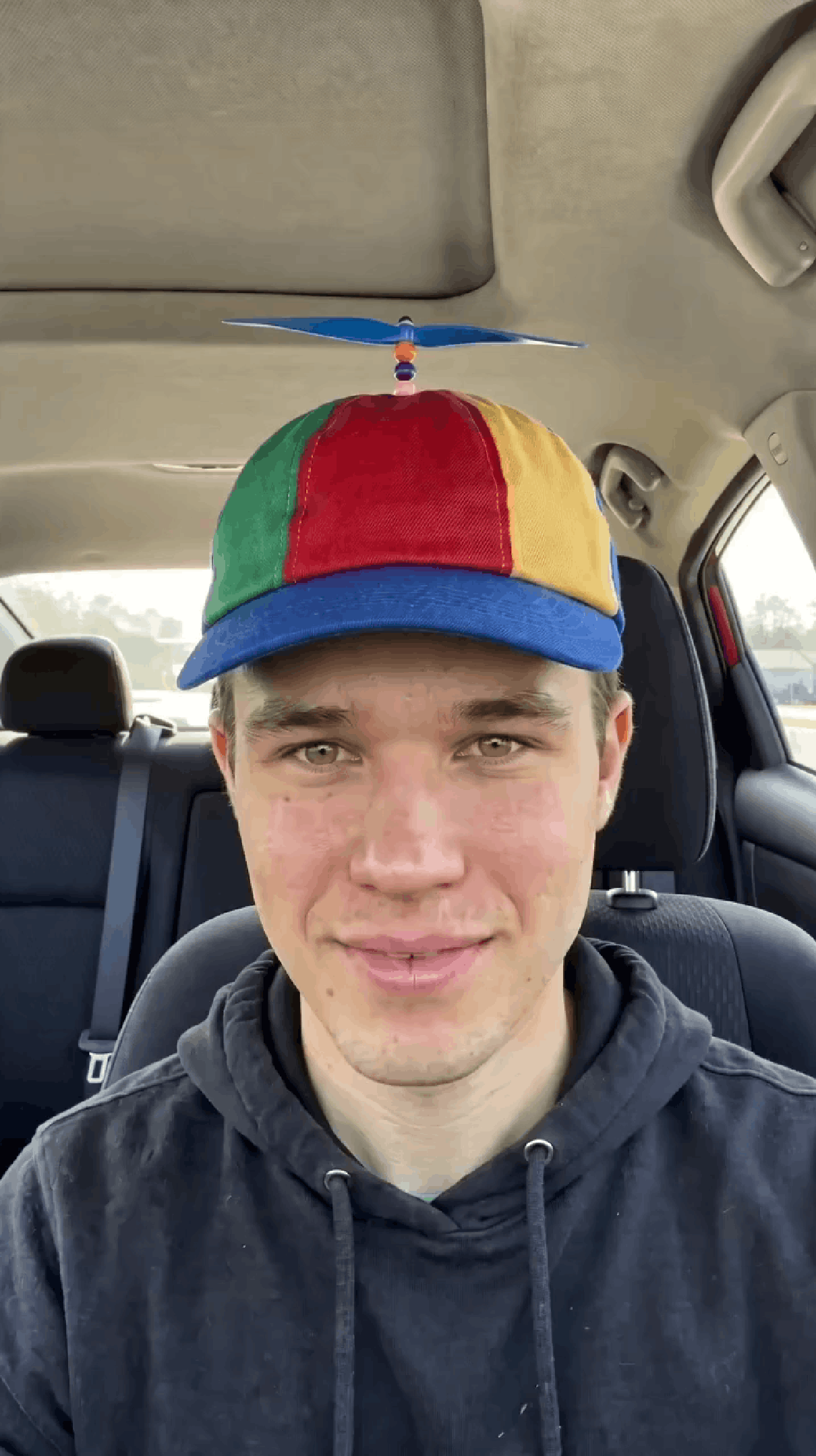
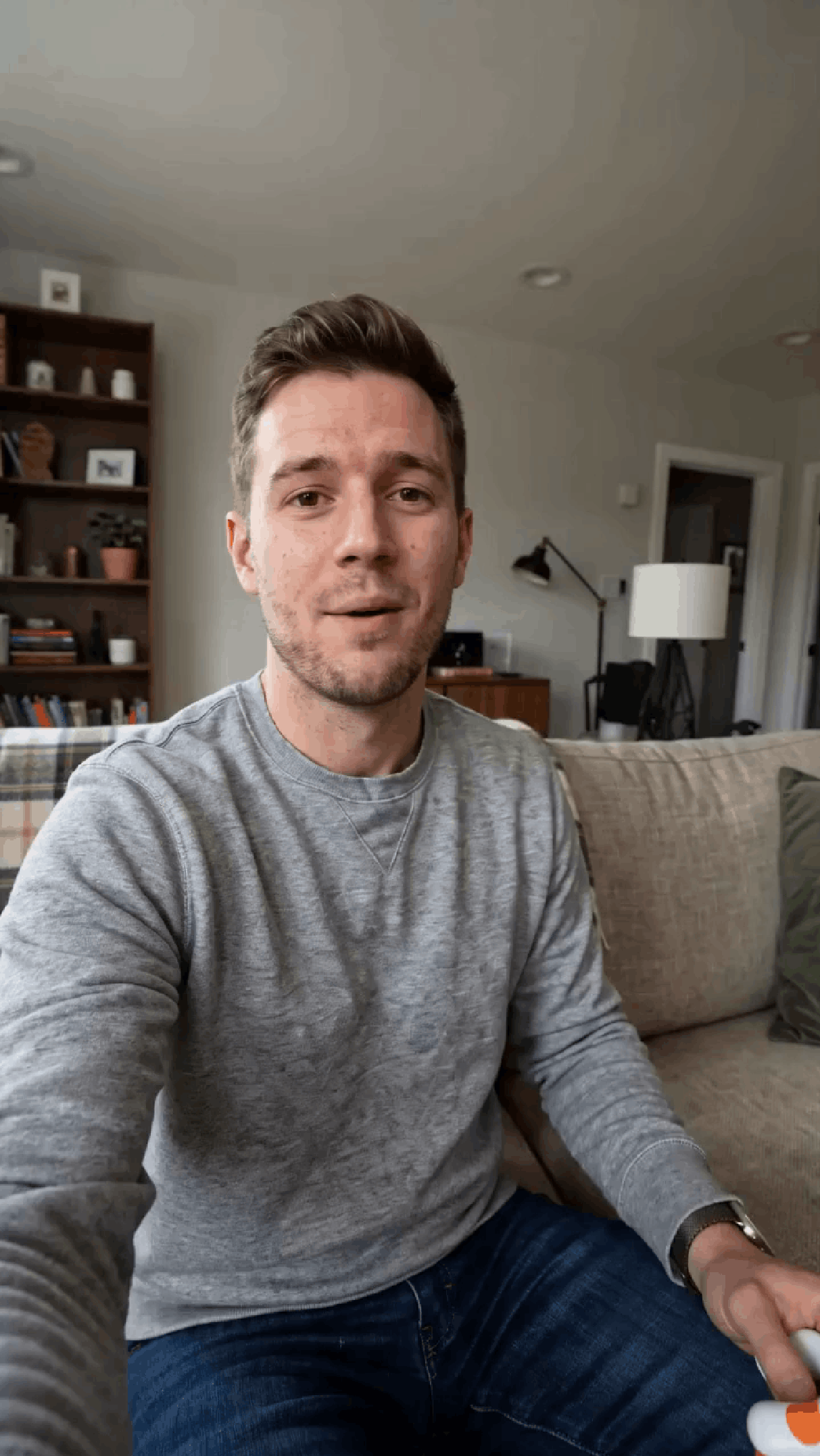
Before & after
See the difference UGCWiz makes on a real AI UGC video.
App

Product

Why prompts fail
Most failed AI UGC videos do not fail because the idea is bad. They fail because the prompt leaves the model guessing.
Too much happens too fast
The model skips actions, rushes the scene, or turns the clip into random movement.
UGCWiz fixes: Clip length, pacing, and action order.
Product or app details drift
Labels change, app screens morph, buttons disappear, and important details stop matching your reference.
UGCWiz fixes: Product handling, screen focus, and reference clarity.
There is no timing structure
The video has dead air, awkward pacing, or actions happening in the wrong order.
UGCWiz fixes: Second by second structure and scene flow.
It looks too polished
The clip feels like glossy AI ad footage instead of something a real creator filmed on their phone.
UGCWiz fixes: Camera style, lighting, setting, and creator behavior.
Text and brand names break
Captions become unreadable, logos distort, and brand names are misspelled.
UGCWiz fixes: Keeps product labels, app screens, and brand names sharp on camera while removing risky caption requests.
References are not anchored
The avatar, product, or app changes between shots because the prompt does not explain what must stay consistent.
UGCWiz fixes: Avatar consistency, product visibility, and reference usage.
And many more.
FAQ
No. UGCWiz is a prompt preflight checker and refiner. You paste your prompt, we analyze it and rewrite it, then you take the refined prompt into Higgsfield, Seedance, Kling, Veo, Sora, or any other AI video tool to render.